The part that runs while you are not thinking about it. Everything here happens with no timer started and no project chosen up front.
- Automatic background tracking Free
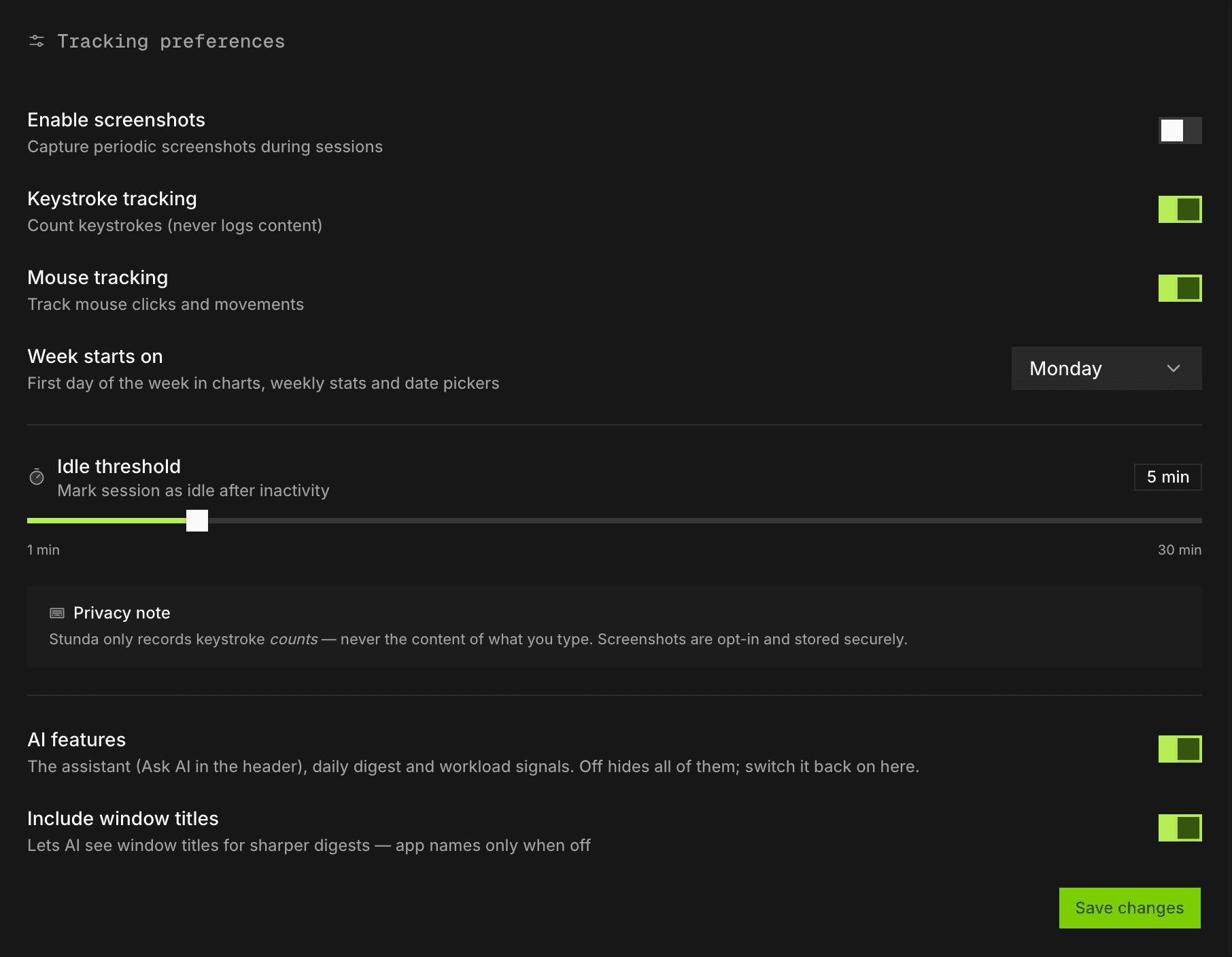
- Records which application and window has focus continuously, so the day is captured as it happens rather than reconstructed later.
- Idle detection Free
- Thirty seconds without keyboard or mouse input marks a stretch idle. It is shown separately rather than deleted or silently billed.
- Activity counts Free
- Keystroke and click counts per interval, never their content, so an hour of work and an hour of an open window are distinguishable.
- Sleep-aware sessions Free
- A suspend ends the session at the sleep boundary. Closing a laptop at six and opening it at nine does not produce three billed hours.
- Manual entries Free
- For calls, meetings and work away from the machine, which no tracker can see. Sits alongside the automatic timeline.
- Offline tracking Free
- The desktop app writes to a local database first and syncs afterwards, so a dropped connection never costs a session.
- Window titles and page addresses Free
- On macOS, once you grant the Accessibility permission: the window title and the active tab's address (host and path), with query strings stripped before storage. Turns an app name into a project. Windows records app names only.
- Opt-in screenshots Pro
- Off by default. You, or an admin of a Team workspace you belong to, can turn them on, for work whose client contracts require proof-of-work capture.
- Verified activity blocks Free
- Each block of tracked activity carries a verdict, checked on the device and again on the server. Input that looks machine-made is marked for review; the time is kept in full and a person decides.